As of 2016-02-26, there will be no more posts for this blog. s/blog/pba/
Showing posts with label Christmas. Show all posts

christma.sh shows a calm animation with a music. It looks like a Christmas card on computer screen.

https://blogger.googleusercontent.com/img/b/R29vZ2xl/AVvXsEjuSSLSp3NhBDyWs-Ia0WiZyrdChIS-mDjSCSPlckVhnM-vvms_LwVVYIu2Se98f8zYjDxR60VgUT5c7IABE-nyf4CEsU6NSQsa934a-3yFgivDz-OYYIifjj3nkQvR7N2jI4IjqFgUkLk/s800-Ic42/christma.sh.gif

The snowman is adorable with a not-so-little cane. The focal point, the Christmas Tree, stands right in front of you without any snow, it must be a magical tree. Snowing in the background, and smokes come out of chimney, which looks very creative in that ASCII art.

Originally with the first glance, I wished there was a bit of red here and a bit of green there. However, as I look at it more, it doesn’t need any colors, simply monochrome does better. It’s white and that’s Christmas.

christma.sh is written in Bash under the MIT License, currently git-07076bc (2015-12-25) with music Faith Noel (2004) by Trans-Siberian Orchestra.

Last week, We Wish You a Merry Christmas was playing somewhere, an idea came to me, what if your computer sings one note on every key you press? That would be fun, wouldn’t it?

And here is the merryxmas.sh and a video to demonstrate.

https://i.ytimg.com/vi/D1gXN7wZ7IM/maxresdefault.jpg

1   About the code

I decided to write it entirely in Bash with some tools, such as xinput and play from Sox.

I could have forked the xinput to modify and strip it for this purpose, it would be cleaner since I really don’t have any idea how to handle the buffer issue1. But with shell scripting, it’s easier to modify if there are suitable tools.

Originally, I was going for only keyboard presses, but then I added mouse clicks, and then the movements. It turned out pretty nice.

As for xinput and its test, unfortunately, it can only monitor one device and you also need to specify the device name. I needed to get both keyboard and mouse events in altogether at the same time, I tried to use mkfifo, but that didn’t work, so I resolved with regular files and those would increase in file size.

Its test-xi2 works for all input devices, but it pops up a window like xev and that wouldn’t be a good surprise for your family and friends, right?

The choice of sound playing is play from Sox, which I don’t believe many computer would have it, but at least it’s included in almost all distributions’ package managers. I could go with wave, but you would have to download and compile it. But it might be a better option, because I doubt anyone would have your target’s computer’s password to gain root access for using package manager to install Sox

[1]As you are required to run with stdbuf, without it, due to the buffer size, you will have to press a lot to get the song singing.

2   Some ideas

This script is just a basic one. I could think of a few more that you can wish your family and friends:

  1. Run Xsnow while or after playing.
  2. Pop up a message box or using xdotool2 to type in the message.
  3. Only play a note when hitting one of “xmas” or “christmas” keys.
  4. Play the whole song at once if “xmas” or “christmas” is exactly spelled.

I personally, like 1 and 4, especially 4, because during this holiday season, you can be sure the chance that a user would type the word in is very high, almost unavoidable. They can be writing an email to family and friends, just as typing in the subject line, the computer sings. Wouldn’t that be fun?

[2]I use xdotool to enter timestamp.

Cmas is a tiny Christmas tree with red and blue light bulbs blinking alternatively.

https://blogger.googleusercontent.com/img/b/R29vZ2xl/AVvXsEgQIbqxu6rOQbI7k_iH0H2xHJyLl6N7oqv1RdKZWuO5i_842x0LVPcDVxjNMS0t2fMC7qfVArjl5YsFfFox0PqVvuBCM-eyqH3YPohFgFsb7K-cbo7ZdoRHWmmAkC6QpxMPa59zL_sktPc/s800-Ic42/Cmas.gif

Don’t want to buy a tree for Christmas, this would do. Maybe.

Cmas was created by Taylor Hoff, written in C++ under the GPLv3, currently git-08d594c (2015-05-31, post v1.0 (2015-05-26)).

Not your usual terminal! And don’t actually use it, it’s not practical and you may need to see a doctor for your eyes if you use it for too long. Just made it for fun.

Note

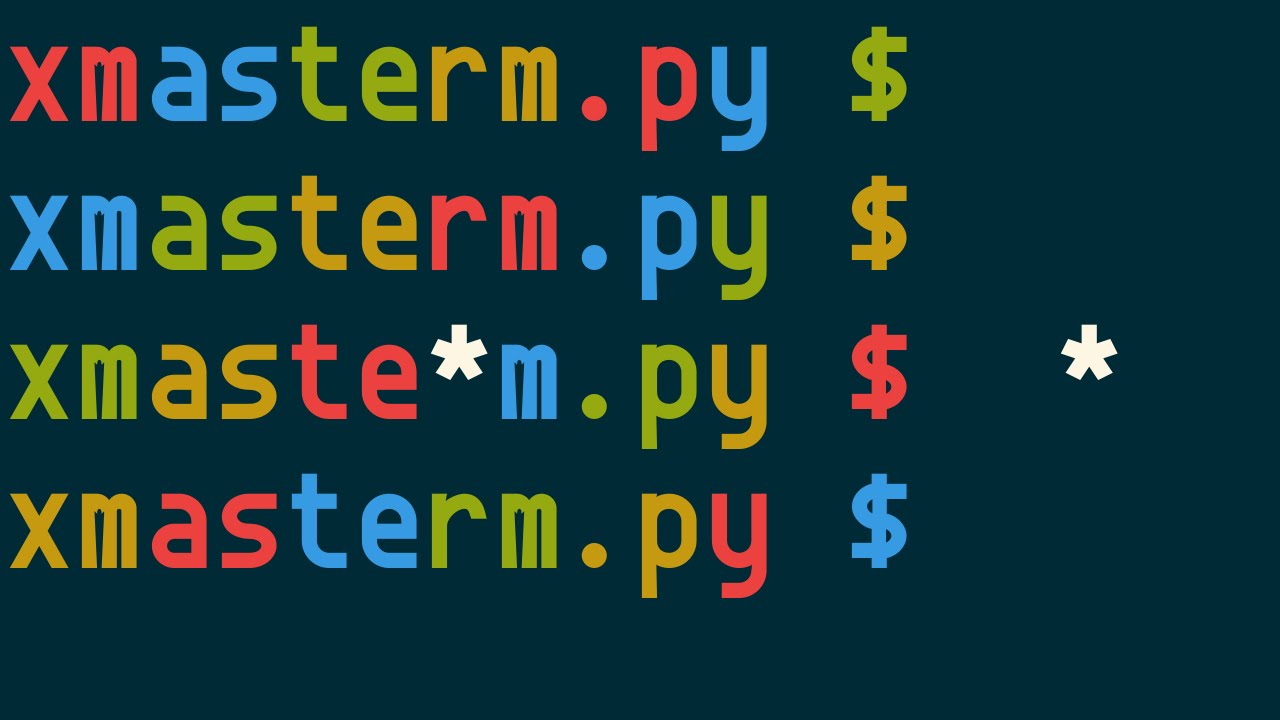
In 2015, xmasterm.py has been updated, the following video shows the newer version. (2015-12-01T08:41:20Z)

https://i.ytimg.com/vi/jiBcaV0FqTg/maxresdefault.jpg

You can get xmasterm.py on Gist.

I basically took codes of Terminal Widget from Urwid and twisted them a bit. Since it’s easy to access each character and their (color) attributes, so I assign the red and green colors and add a very simple falling snow effect. The code definitely does not run efficiently, but it’s just for fun.

Merry Christmas and Happy Holidays!

xsnow

Follow the instruction to download and to install. You need to turn off desktop icon. Open gconf-editor, uncheck show_desktop under /apps/nautilus/preferences.


Snow plugin of Compiz Fusion

The Compiz Fusion from official repo does not have Snow plugin. So install compiz-fusion from non-official repo.

Before you can use this plugin, you need a snow image, download the snowflakes or mine. In CompizConfig Settings Manager, type snow to search for snow plugin. Enable it and add images under Textures tab. Press Super+F3 to enjoy!